SEO HERO AI Alt Text Generator
Product Update Jun 2026
-
 By
Mike
By
Mike
- Updated: June 30, 2026
- 15 min read
-
By
Mike
- Updated: June 30, 2026
- 15 min read
A smoother way to scan, fix, and review Shopify image SEO
This month’s updates focused on making SEO HERO more reliable for real Shopify workflows: large catalogs, new store scans, bulk AI fixes, mobile admin use, and multi-language setup.
What’s new
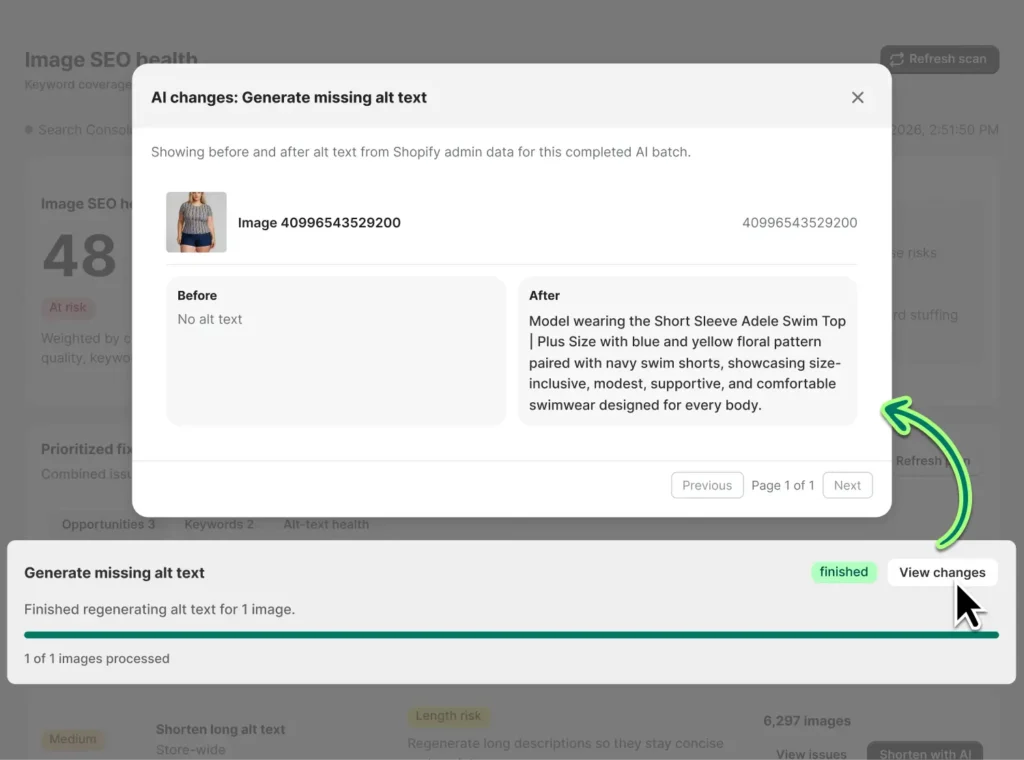
SEO Health AI fixes now show progress, results, and reviewed changes
SEO HERO’s SEO Health screen now has a more reliable AI-assisted remediation flow, including grouped fixes, clearer progress, and a stronger “View changes” experience after a bulk fix completes.
User benefit: Merchants can batch-fix image SEO issues with more confidence because they can see what changed and whether issues were resolved—without needing to refresh and guess.
Real-world example: A fashion store launching a seasonal collection can run AI fixes for hundreds of product images, review the before-and-after results, and keep product image SEO moving before launch day.
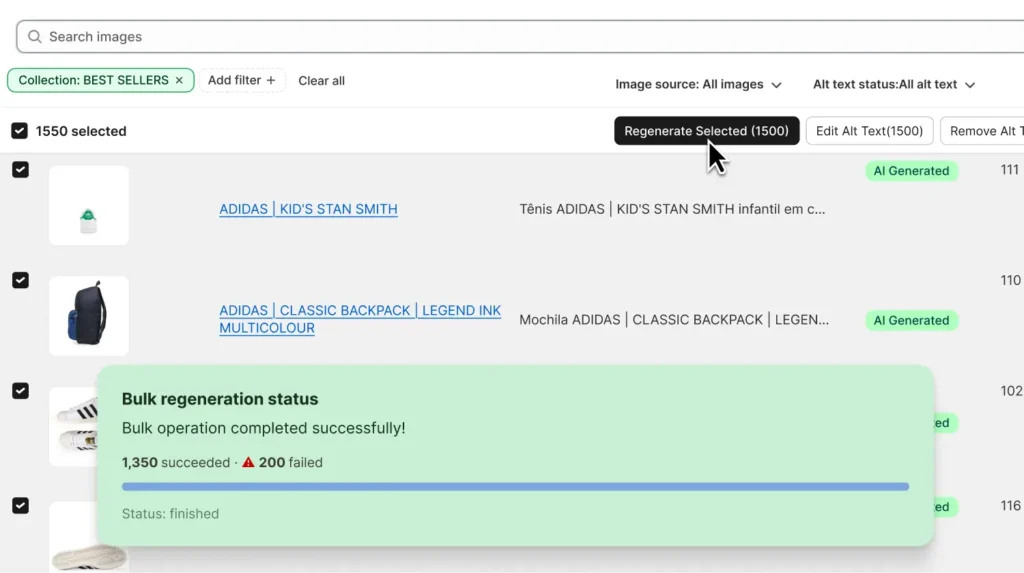
The Images Alt Text page is clearer and more reliable for large catalogs
We improved image table performance for stores with large image counts, refined collection filtering, made import progress easier to understand, and added clearer bulk regeneration summaries.
User benefit: Merchants managing thousands of images can find, filter, regenerate, and review alt text with fewer stalls and better feedback. If a bulk regeneration partially succeeds, SEO HERO now tells you how many images succeeded and how many failed.
Real-world example: A furniture store with thousands of product, variant, and lifestyle images can filter by collection, regenerate selected images, and immediately know whether 48 out of 50 images were updated successfully.
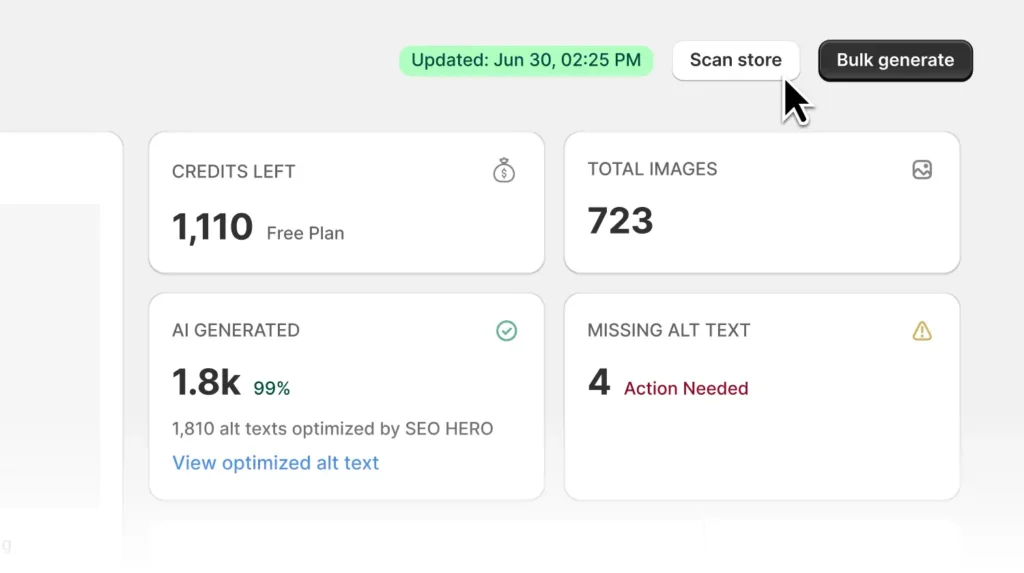
Store scans are more dependable—especially for new installs
We fixed cases where a store scan could get stuck or appear to do nothing, including stale scan operations and new-store scan issues.
User benefit: New Shopify merchants can scan their catalog and start generating alt text sooner, with clearer feedback that SEO HERO is actually working.
Real-world example: A beauty brand migrating to Shopify can install SEO HERO, scan product images, and prepare SEO-friendly alt text before its new store launch—without waiting on support to diagnose a stuck scan.
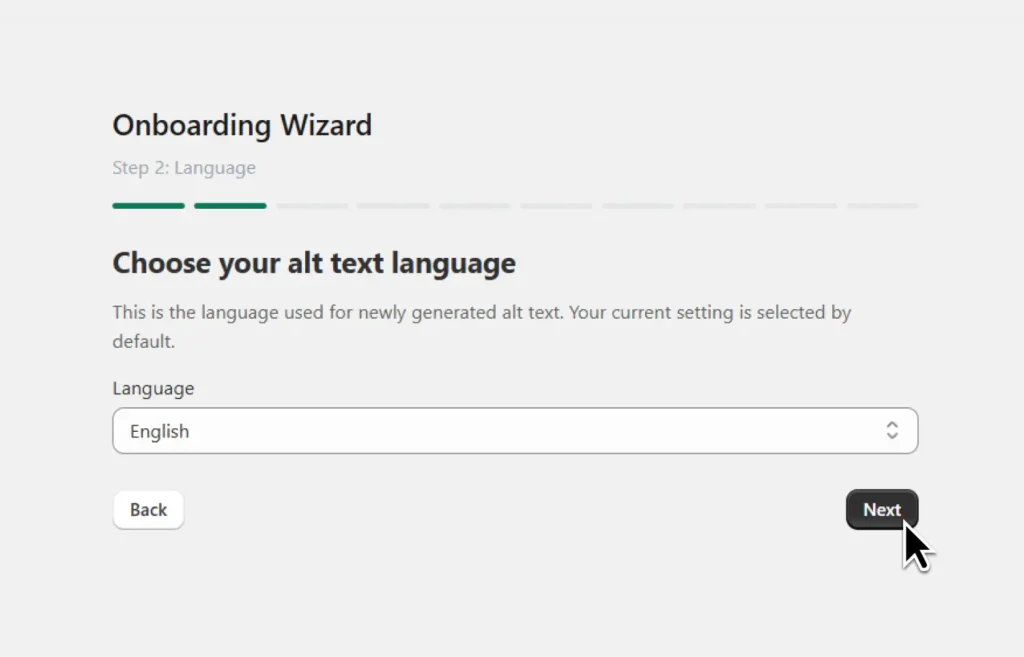
Language selection is now part of onboarding
The onboarding wizard now includes a language selection step so merchants can choose the language for generated alt text earlier in setup.
User benefit: This reduces confusion later and helps keep generated alt text, SEO keywords, and brand context aligned from the beginning.
Real-world example: A Spanish-speaking skincare brand can select Spanish during setup, then generate more natural product image descriptions that match its store language and SEO strategy.
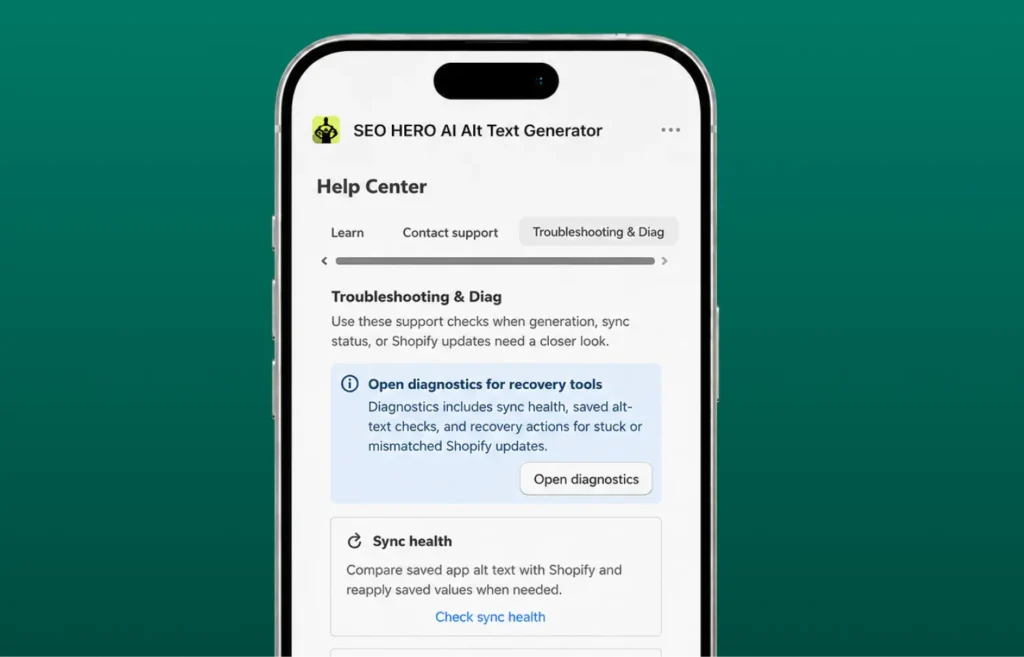
Mobile admin screens are easier to navigate
We cleaned up responsive layouts across Settings, Task History, Troubleshooting, Help Center, and Quick Links so tabs, filters, buttons, and help icons behave better on smaller screens.
User benefit: Merchants using Shopify on mobile can access settings, check task history, and troubleshoot without clipped fields, hidden tabs, or overlapping controls.
Real-world example: A boutique owner at a pop-up market can check alt text generation status from an iPhone and adjust app settings without waiting to get back to a desktop.
Recent fixes and polish
- Fixed the “Scan Store” button getting stuck without clear feedback.
- Fixed collection filter results on the Images Alt Text page.
- Added clearer success and failure counts for bulk regeneration.
- Improved empty-state clarity when the Images Alt Text table has no results.
- Fixed image table loading issues for stores with large image counts.
- Improved SEO Health bulk fix completion, refresh behavior, and “View changes” results.
- Fixed cases where resolved SEO Health issues did not disappear until a manual refresh.
- Improved paid plan purchase flow reliability.
- Improved alt text credit accounting safeguards.
- Fixed mobile layout issues in Settings, Task History, Troubleshooting, Help Center, and Quick Links.
- Improved live chat availability during app loading issues so merchants can reach support more easily.
AI Alt Text Generator helps Shopify merchants generate SEO-friendly, accessible image alt text faster—using product context, brand voice, and keywords.

Hey, I’m Mike Belanger, a business enthusiast with over 15 years of experience in designing, web and app development, business management, digital marketing, customer psychology and optimizing businesses. I love making businesses grow and operate smoother.